
Integrated Lights-Out, or iLO, is a proprietary embedded server management technology by Hewlett-Packard Enterprise (HPE) which provides controlling and monitoring of HPE servers from a remote location. HPE iLO Management is a powerful tool that provides multiple ways to configure, update, monitor, and run servers remotely. The physical connection is an Ethernet port that can be found on most Proliant and Blade servers.
HPE iLO allows you to manage your entire server environment with ease. Here I have shown the process that how can you access an HPE server through iLO from a remote location.
Remote Console through HPE iLO
Prerequisites
- iLO IP has been assigned to the server.
- Network cable connected to the iLO Ethernet port.
- If there is any firewall between the server and the client system (from where you need to access the server remotely) then HTTPS/443 port should be opened.
Procedure to Connect
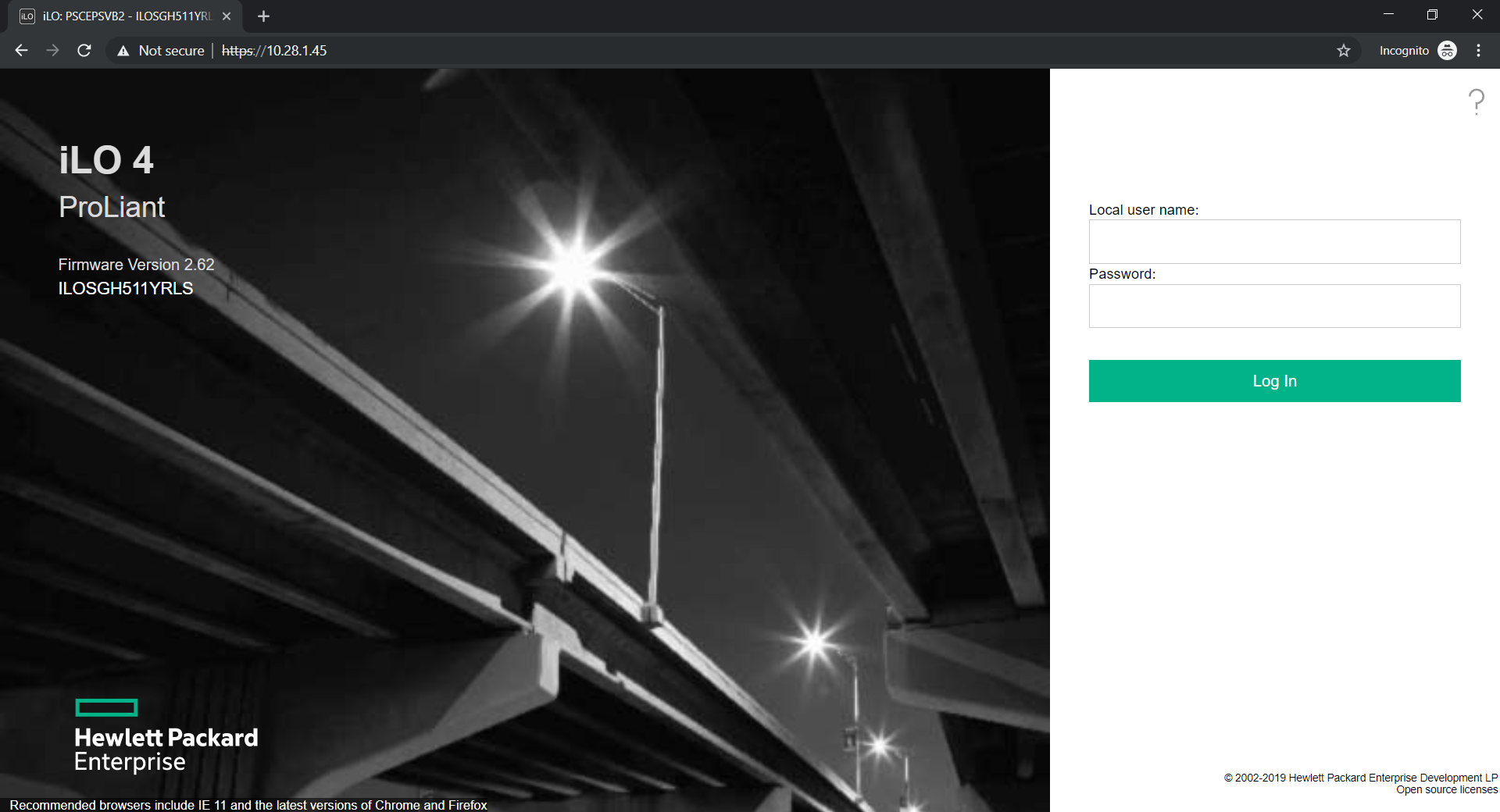
- Type the iLO IP address of the server in the browser i.e. https://10.28.1.45/ and hit Enter button. It will open the login page.

01 iLO Integrated Remote Console
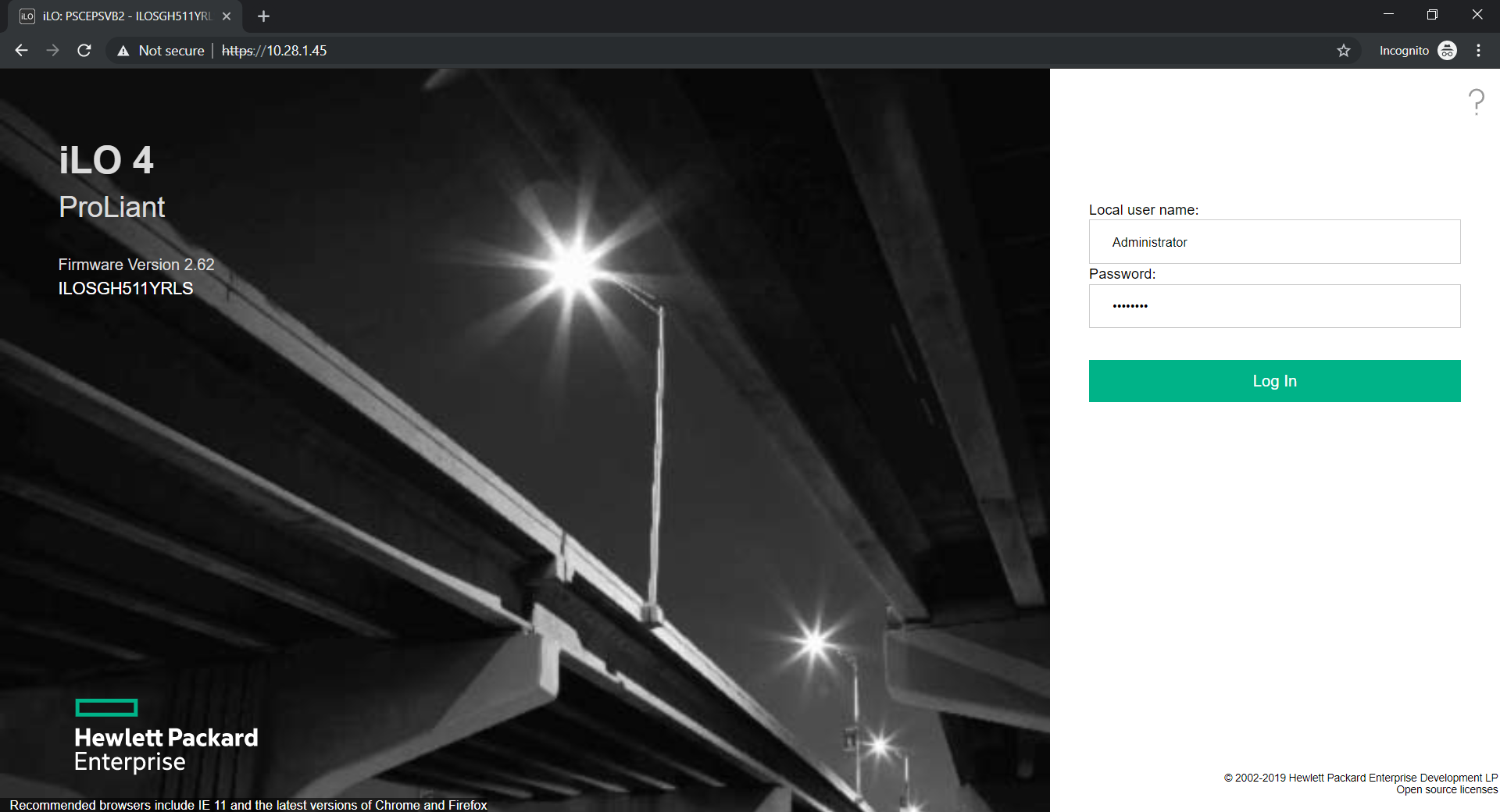
- Enter the login credentials, and log in as an Administrator which has all the privileges as a superuser. The default user name is Administrator and the password you may find on the tag provided with the server.
02 iLO Integrated Remote Console
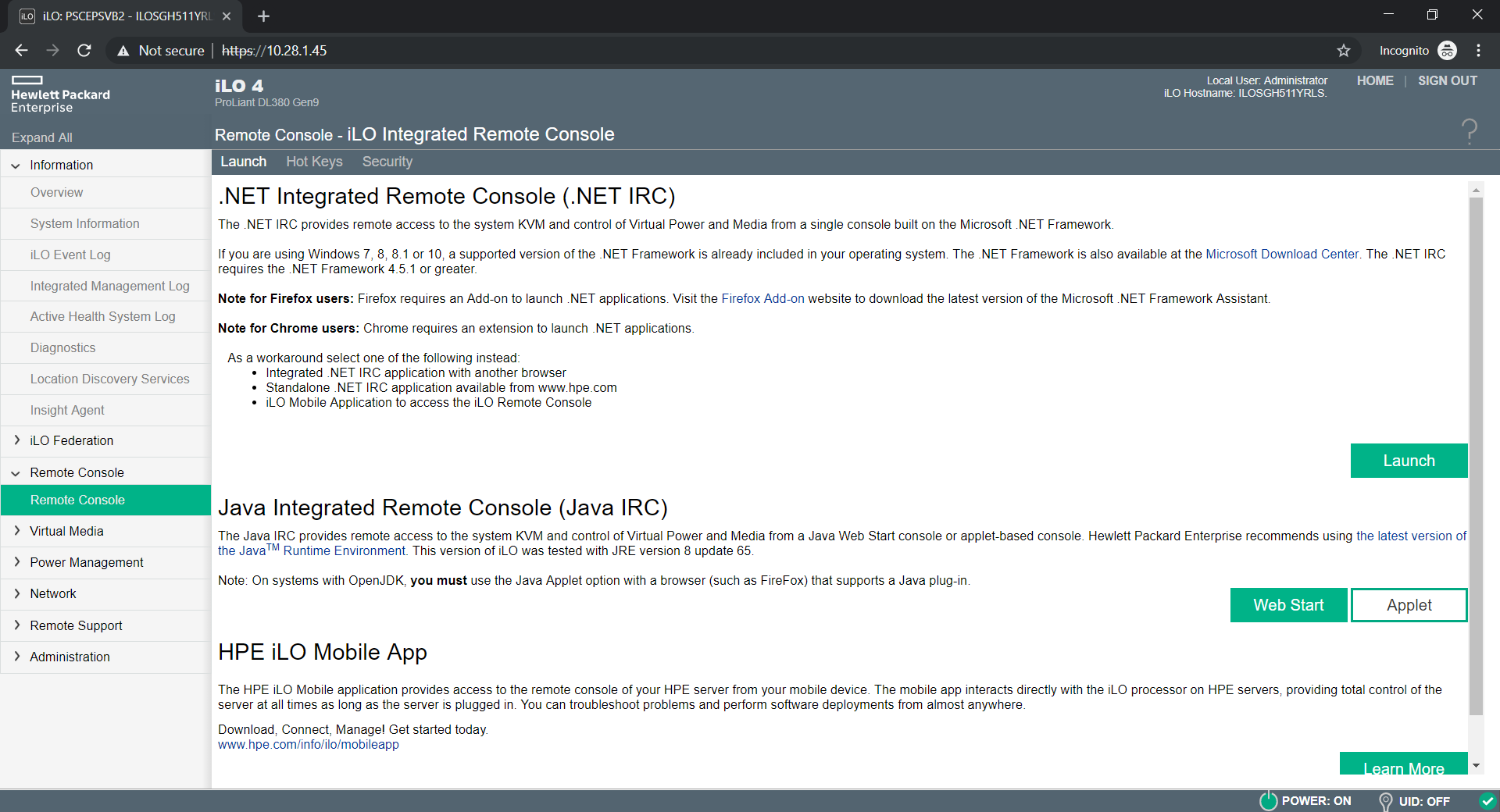
- After successful login, click on the link Java Web Start or click on the Web Start button shown in the next step.
- Click on the Remote Console link in the left navigation and click on the Web Start button as shown below.
04 iLO Integrated Remote Console
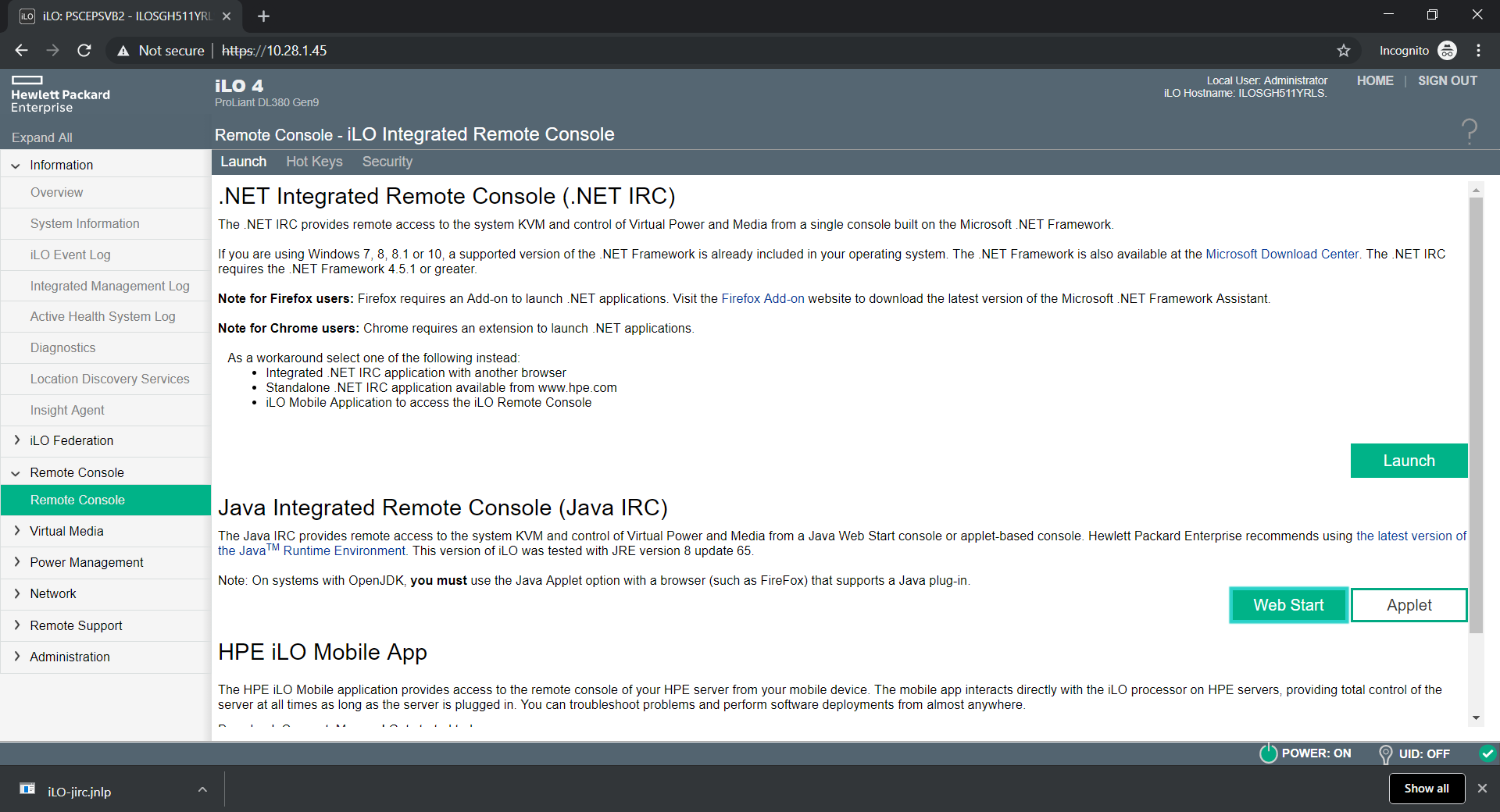
- It will download a file named iLO-jirc.jnlp.
05 iLO Integrated Remote Console
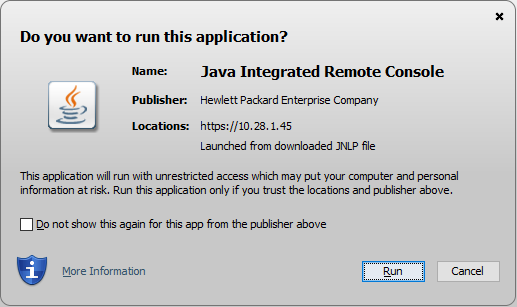
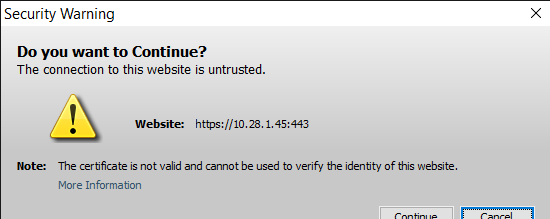
- Click on this file and Run it. It will open a security warning pop-up, accept that and continue.
06 iLO Integrated Remote Console
07 iLO Integrated Remote Console
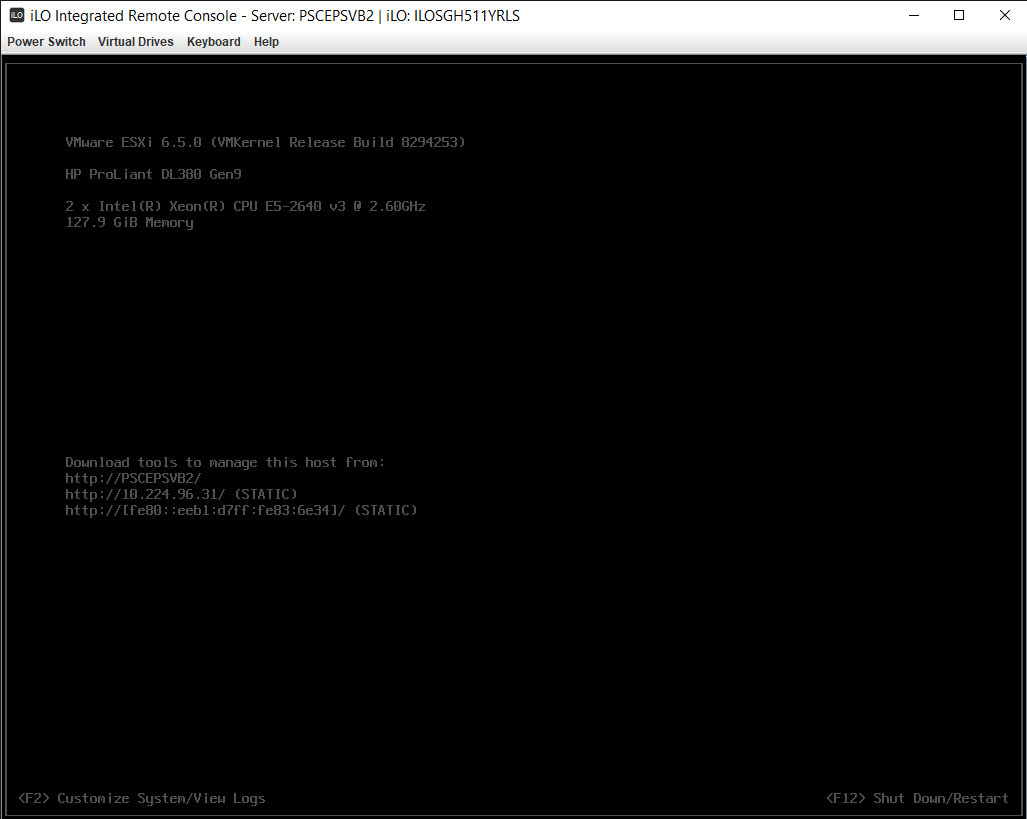
- Now it’s open the Remote console of the server and now you can manage this server completely from your remote location.
08 iLO Integrated Remote Console
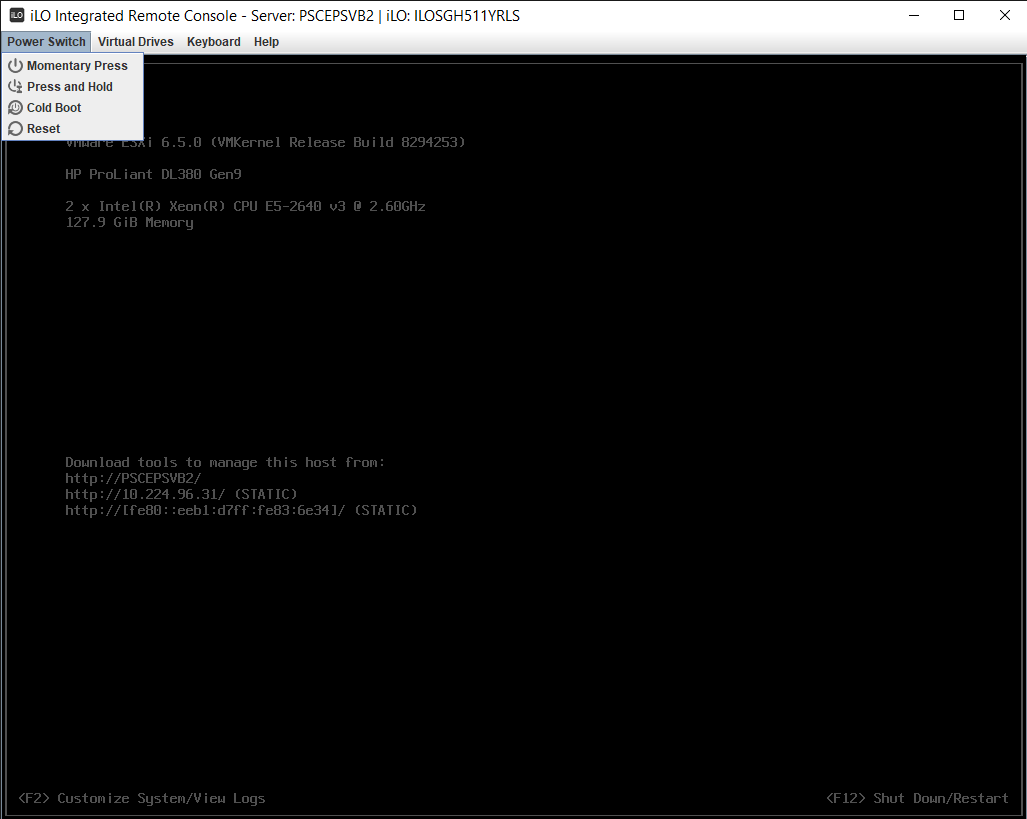
- Power Switch options
09 iLO Integrated Remote Console
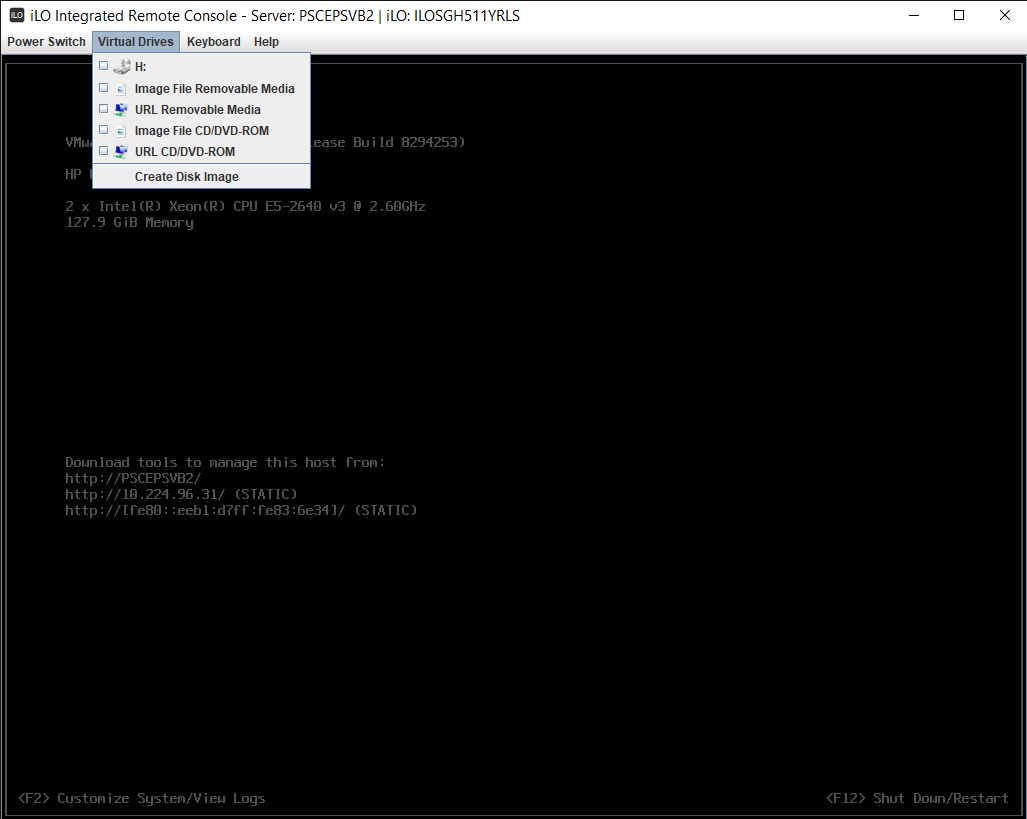
- Virtual Drive options
10 iLO Integrated Remote Console
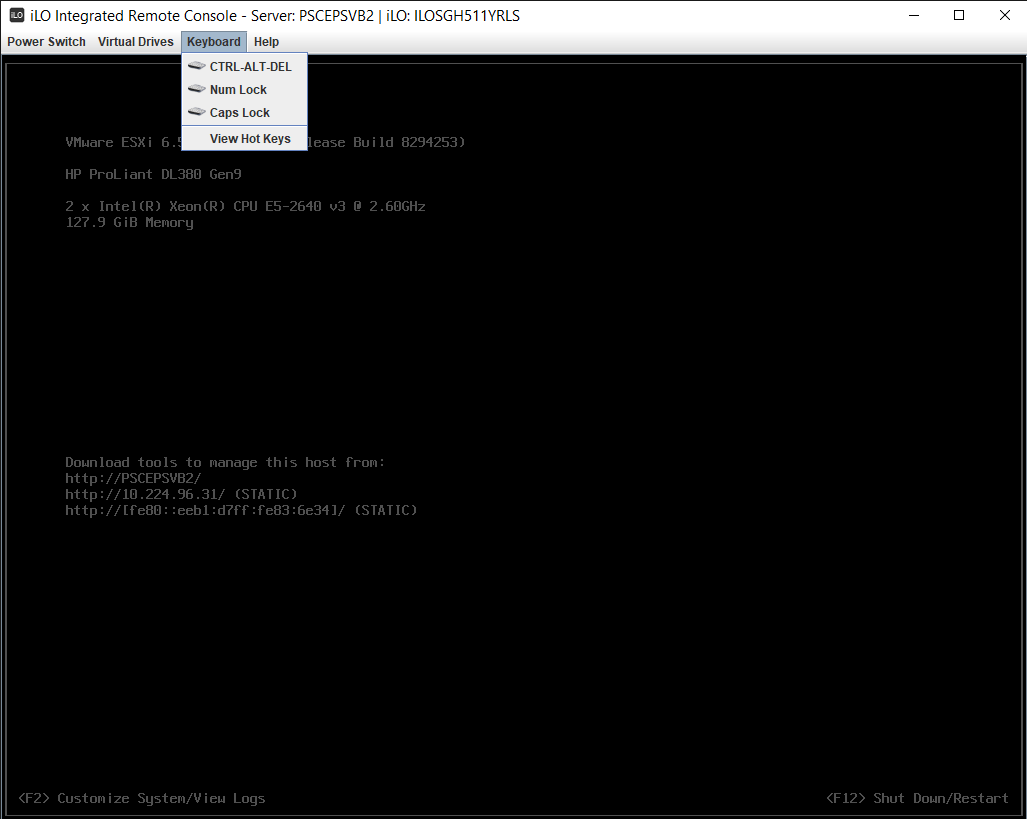
- Keyboard options
11 iLO Integrated Remote Console
Last Updated: July 31, 2019
Related Posts
- Conflicting VIBs while upgrading ESXi 5.5 to ESXi 6.5 on HPE Proliant DL560 Gen8 Server
- Conflicting VIBs while upgrading ESXi 5.5 to ESXi 6.5 on HPE Proliant DL380 Gen9 Server
- Conflicting VIBs while upgrading ESXi 6.0 to ESXi 6.5 on Dell Inc. PowerEdge R830 Server
- Tool to Take Integrated Remote Console (IRC) Through HPE iLO
No Responses